
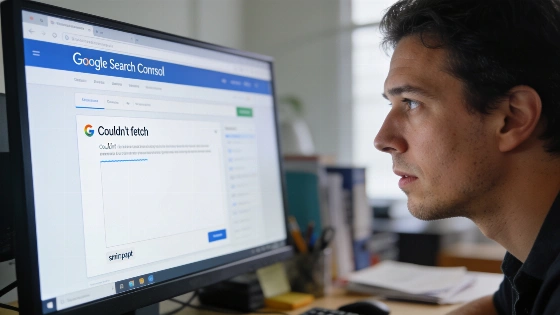
Some site owners open Search Console and spot a 'Couldn't fetch' error on their XML sitemap. The first instinct is to blame a server hiccup. But John Mueller says the real reason often runs deeper. It’s about how Google rates your site, not just whether the file loads.
Google recommends including only canonical URLs in your sitemap that are accessible for crawling and return a successful HTTP response; pages with 'noindex', blocked by robots.txt, or duplicates should not be listed.
There are two main reasons for this error. Sometimes, Google’s crawlers are busy with bigger jobs. They don’t get to your sitemap before moving on. That’s a resource issue, not a technical one. Other times, Google’s systems decide your site isn’t worth more crawling. This usually happens when quality signals are weak. If Google already has enough info from past crawls, it may skip your sitemap entirely.
Even a perfect sitemap can get sidelined if your site doesn’t meet Google’s quality bar. This isn’t set in stone. If your site’s quality improves, Google might start fetching the sitemap again. But there’s no promise. It won’t happen overnight.
Google defines crawl budget as a combination of crawl rate limit and crawl demand. Low demand for URLs, outdated content, or low-value pages can reduce crawl frequency, regardless of technical accessibility.
Google’s position is simple. A sitemap only matters if your site deserves more crawling and indexing. If the algorithms say no, even a flawless XML file won’t help. That’s a hard truth. Quality, not just compliance, drives search visibility.
Anyone using AI-generated content or automated publishing should pay attention. Technical tweaks are needed, but they’re not enough. Google’s crawl logic keeps changing. Only sites with steady quality and relevance will see their sitemaps fetched and new content indexed at scale. The message is blunt. Raise your standards or get ignored.
Submitting a sitemap only signals Google to look for URLs. It doesn’t guarantee crawling or indexing. As explained in Google's official sitemap documentation, sending a sitemap won’t force Google to index your pages. The sitemap status alone doesn’t prove if a page is in the index.