
A new AI tool is scanning public Instagram profile pictures to create images, unless users opt out. Privacy experts warn of potential misuse. Learn how to protect your account and what settings to check.
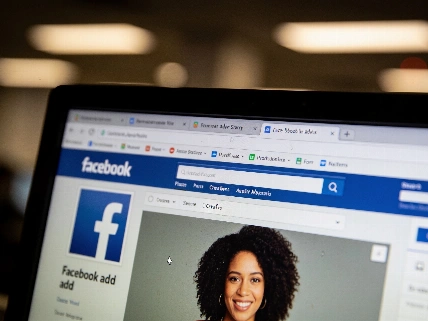
Meta has launched Muse Image, an AI-powered tool that generates images using publicly available Instagram profile photos. The feature, now live for U.S. users through Meta AI, WhatsApp, and Instagram Stories, has sparked immediate backlash as many discover their images are included by default unless they actively opt out.
According to Meta, Muse Image is designed to serve as a “creative partner” that helps users turn ideas into high-quality visuals for sharing across Meta’s platforms. However, cybersecurity experts caution that the tool could be exploited by scammers and criminals. Jake Moore, global cybersecurity advisor at ESET, notes that most users with public accounts may not realize they are automatically opted in, making their images vulnerable to misuse. He warns that any technology that simplifies impersonation increases the risk of abuse.
Meta states that Muse Image was built with “strong controls and safety guardrails” from the outset. Private accounts and users under 18 are automatically excluded from the tool. Adult users with public profiles can opt out in just a few steps. A Meta spokesperson emphasized that the company will remove any content that violates its Community Standards.
To further protect privacy, Meta has implemented restrictions: private accounts and those belonging to minors cannot be tagged or referenced, and teens are prevented from using the feature to mention others. Muse Image also includes technical safeguards to block policy-violating content. Users can report objectionable generated images by pressing and holding the image, selecting the thumbs down icon, and providing a reason for the report. Content breaching Meta’s policies is subject to removal.
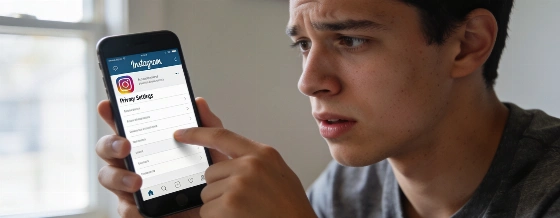
For those with public Instagram accounts who wish to opt out, the process is straightforward: go to Profile > Menu, then navigate to Settings -> Sharing and reuse. Toggle off “Allow people to reuse your content” to prevent others from using your profile to generate AI images. However, this only stops future use-any images already generated remain unaffected. Security experts recommend enabling multi-factor authentication and, if possible, switching to a private account for greater protection.
Data privacy regulations in the E.U. and U.K. require explicit consent for data use in this manner, but such rules are less stringent in other regions. As AI tools like Muse Image become more common, staying informed and regularly reviewing privacy settings is essential for safeguarding personal information. Opting out or making your Instagram account private are the most effective steps to limit exposure.
Meta, the parent company of Instagram, reported over 3 billion monthly active users across its platforms as of early 2026. The company continues to expand its AI offerings, with Muse Image representing its latest push into generative content tools. Meta’s ongoing investments in AI have positioned it as a leading player in the global social media and technology landscape.